Bebble Now
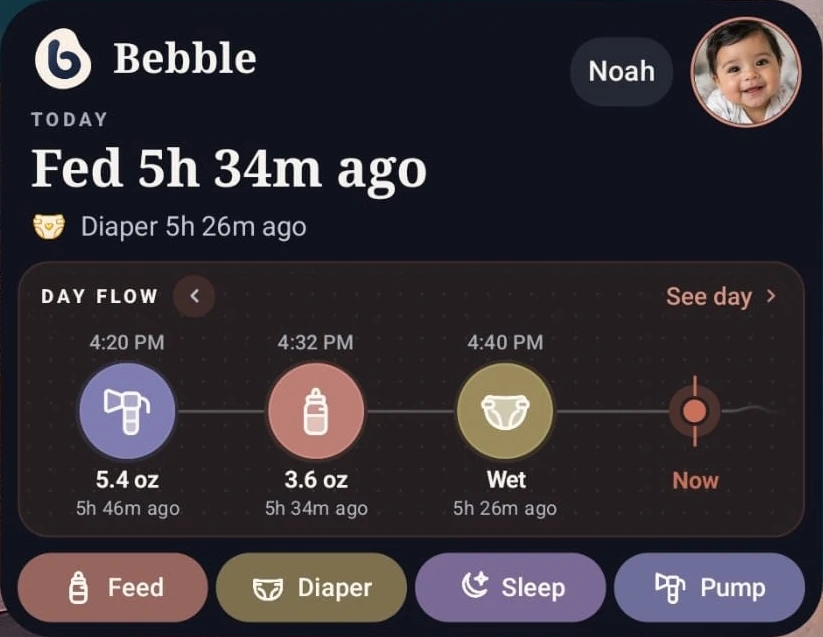
Works on the widgetThe top of Home, on your home screen: time since the last feed and diaper, today’s Day Flow, and four log buttons.
Step through Day Flow right on the widget. The log buttons and See day open Bebble.
Sharing & tools · Everyday made easier
Your baby’s day doesn’t stop when you put your phone down. From quick updates on your home screen to shared care records, everyday plans, and information for appointments, Bebble helps you keep the little things organized.
Whether you’re caring on your own or coordinating with someone you trust, the tools you need are close at hand.
Available now on Google Play. iPhone on the way.
Real Android widgets · sample baby and data
The everyday challenge
None of it is hard on its own. It’s the amount of it, held in one tired head or scattered across a few phones.
Bebble’s sharing and care tools take on the keeping-track part, so the answer is there when you, another caregiver, or your pediatrician needs it.
The top of Home, on your home screen: time since the last feed and diaper, today’s Day Flow, and four log buttons.
Step through Day Flow right on the widget. The log buttons and See day open Bebble.
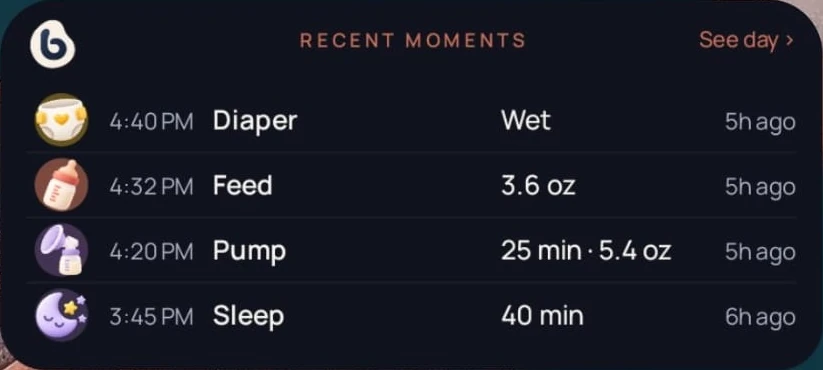
Your latest four entries. Tap a row to open it, or See day for the whole day.
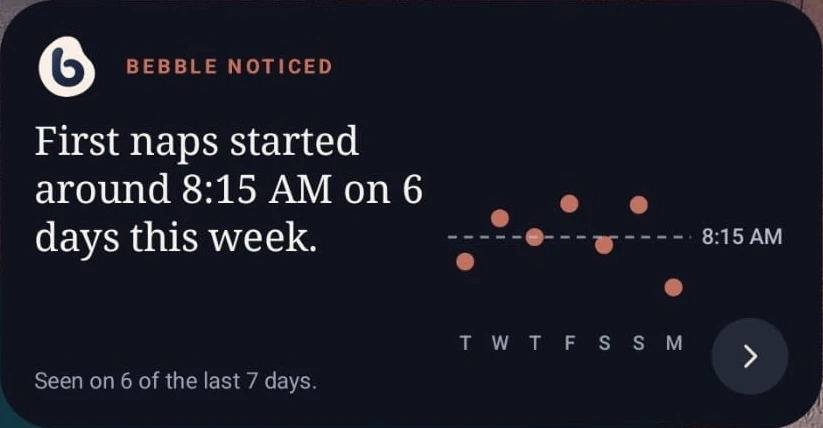
The observation Home is showing, once you’ve logged some history.
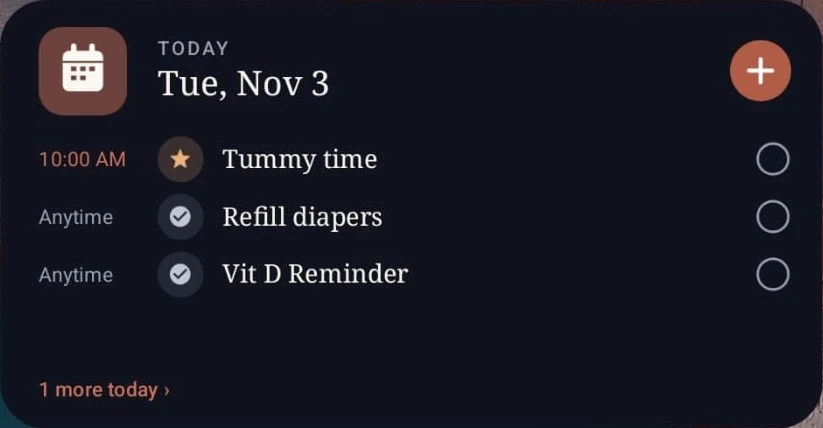
Today’s plan. Check off an item on the widget, and Bebble saves it to the plan the next time you open the app.
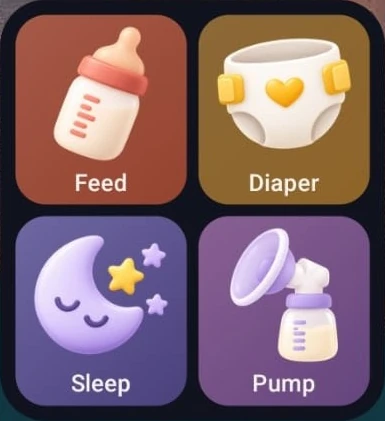
Four shortcuts you choose. Each opens that log in Bebble, where you add the details and save.
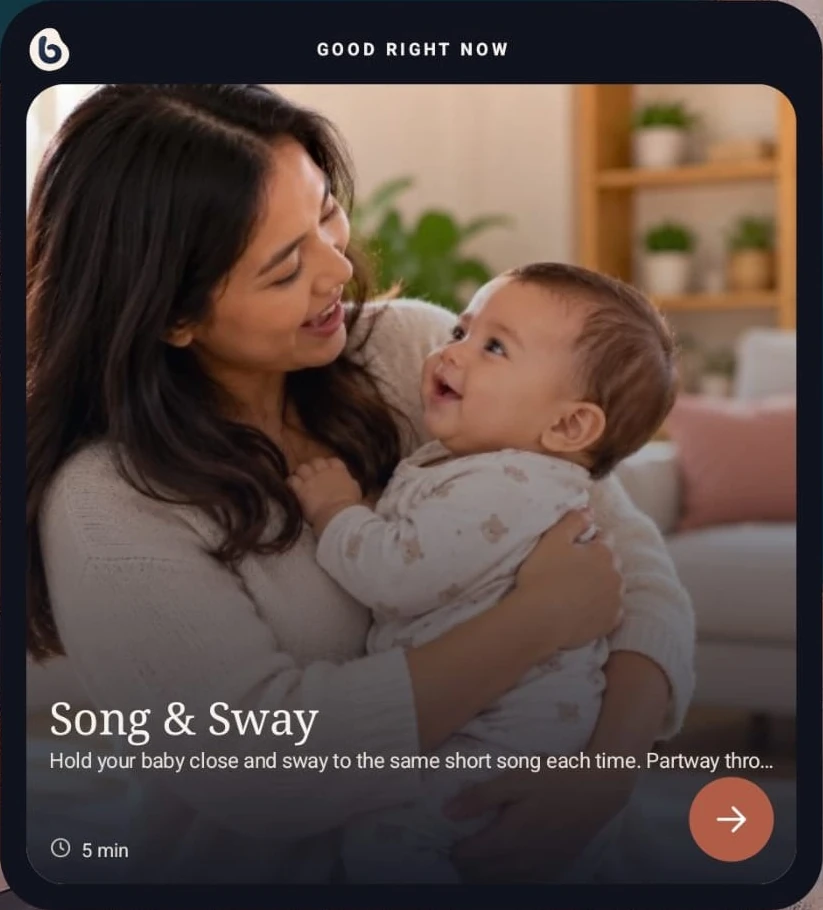
One activity picked for your baby, from Bebble’s age-relevant activities.
Shared baby tracking
Parenting often involves more than one person. When someone else feeds, changes, or cares for your baby, keeping everyone informed shouldn’t require copying notes between phones.
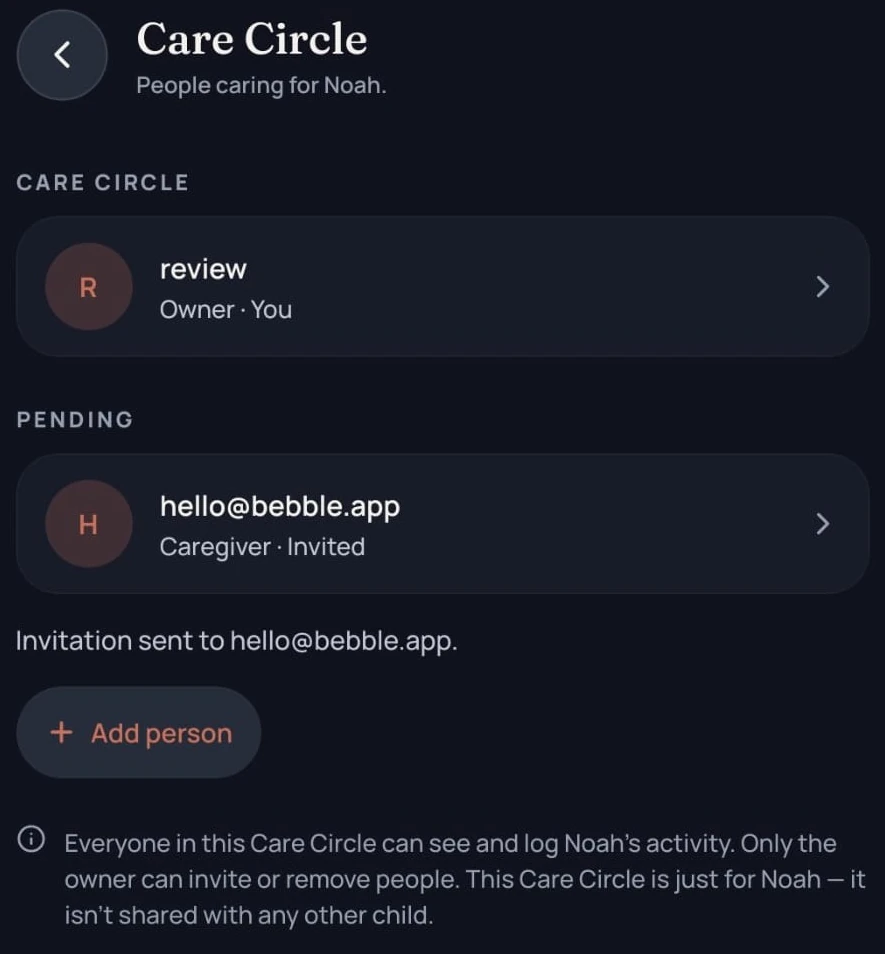
Care Circle makes Bebble a shared baby tracker for multiple caregivers, limited to the people you invite. A partner, a grandparent, or a nanny works from the same record you do.
Each baby’s Care Circle is separate. Inviting someone to care for one child gives them no access to another.
Staying in step. Entries are saved to the baby’s shared record. While Bebble is open and online, what others log appears on its own, and the app catches up when you come back to it.
Baby care planner
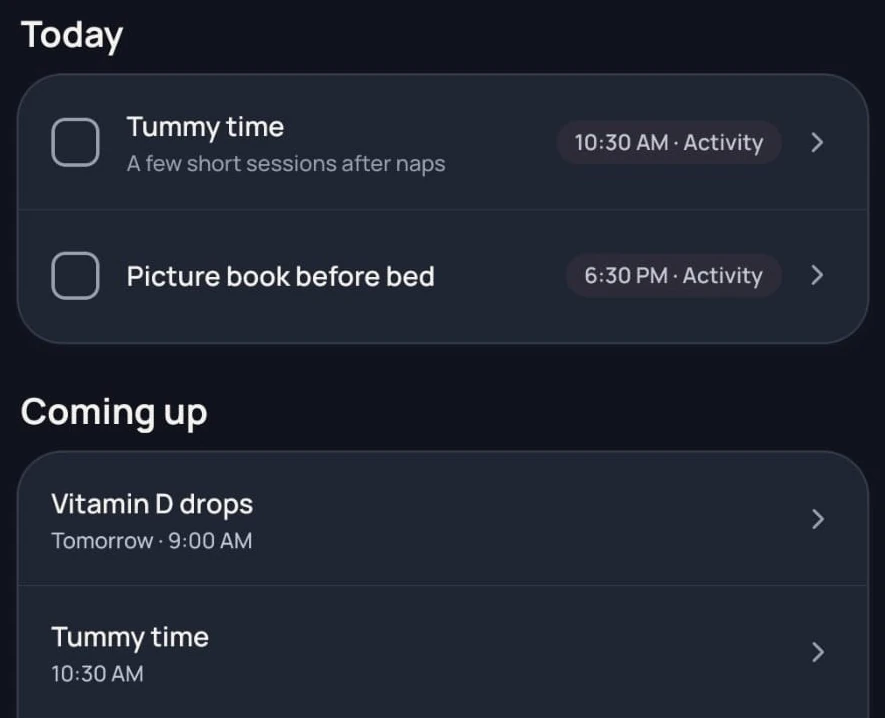
Vitamin drops, a pediatrician visit, the diapers you’re about to run out of. Planner holds what you mean to do, apart from the log of what already happened.
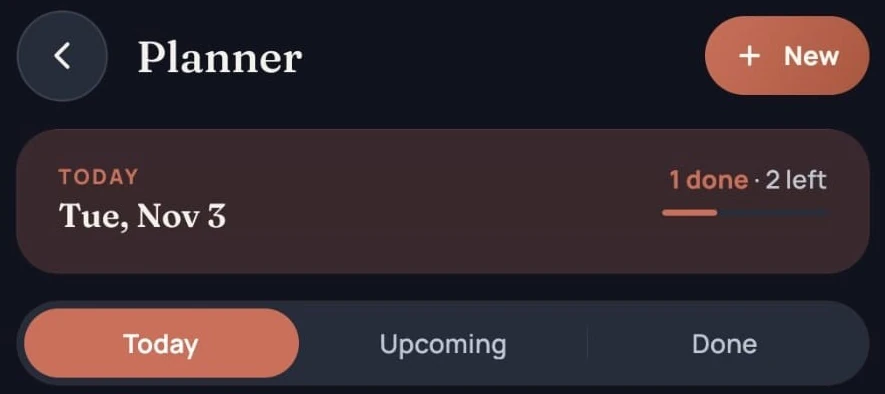
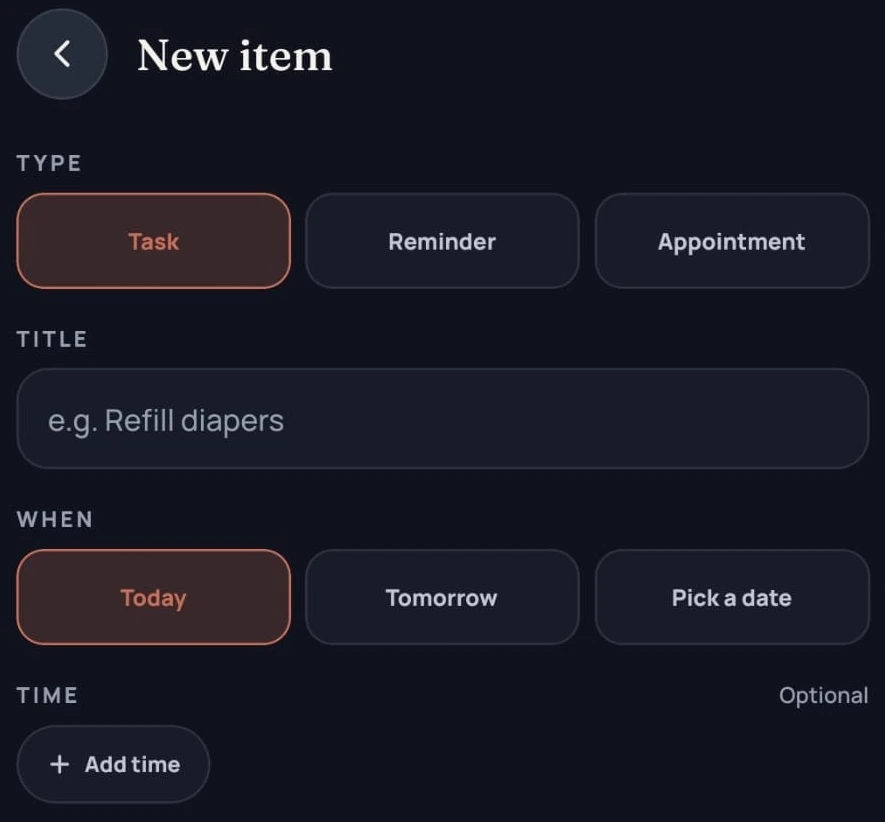
Add an item as a task, a reminder, or an appointment. Choose today, tomorrow, or a date, add a time if it has one, and repeat it daily, weekly, or on selected days. Quick Add gives you a head start with medication, appointment, activity, purchase, or reminder.
Items sit under Today, Upcoming, and Done, and you check one off right from the list. The plan is shared with the baby’s Care Circle, so everyone can see what’s left. If you turn it on, finishing a medication or activity item can also take you straight to logging it.
Baby doctor report
Appointments move quickly, and three weeks of feeds and naps are hard to recall on the spot.
A Doctor report turns your everyday logs and growth and milestone records into a concise summary to review or share with your pediatrician.
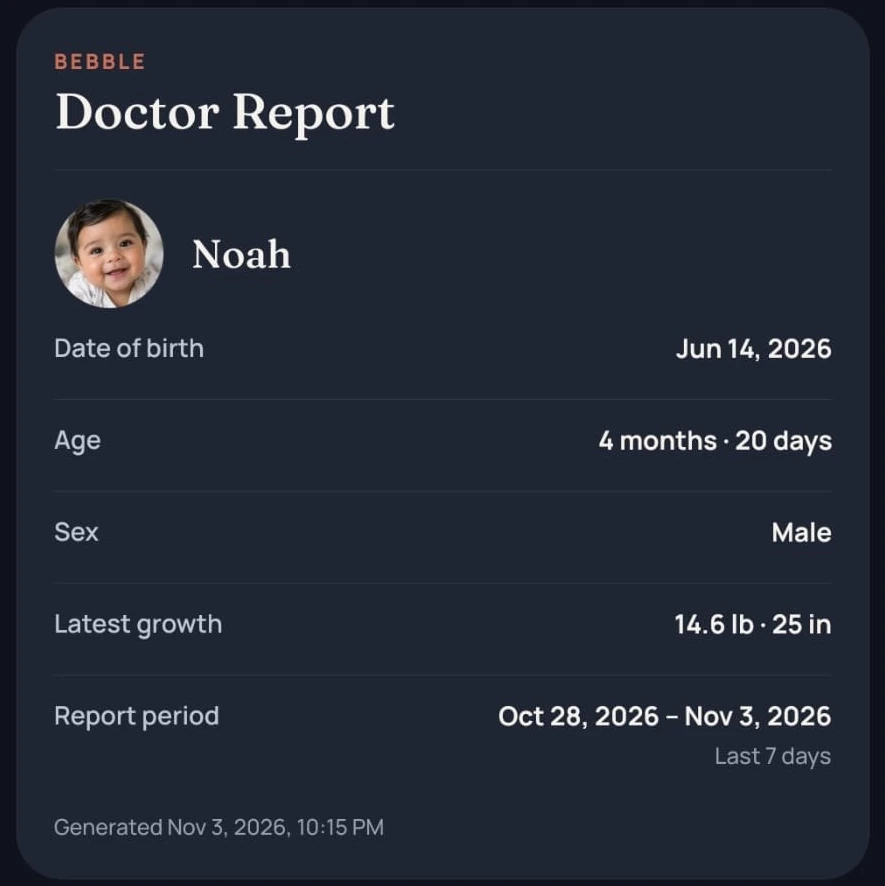
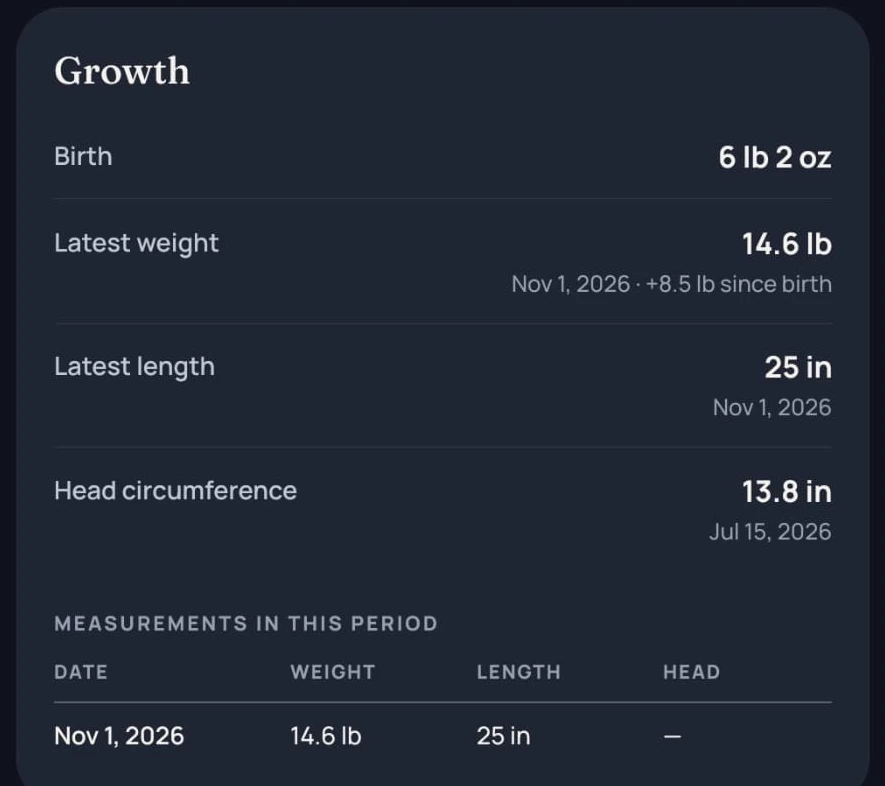
Real Doctor report screens, cropped · sample baby and data
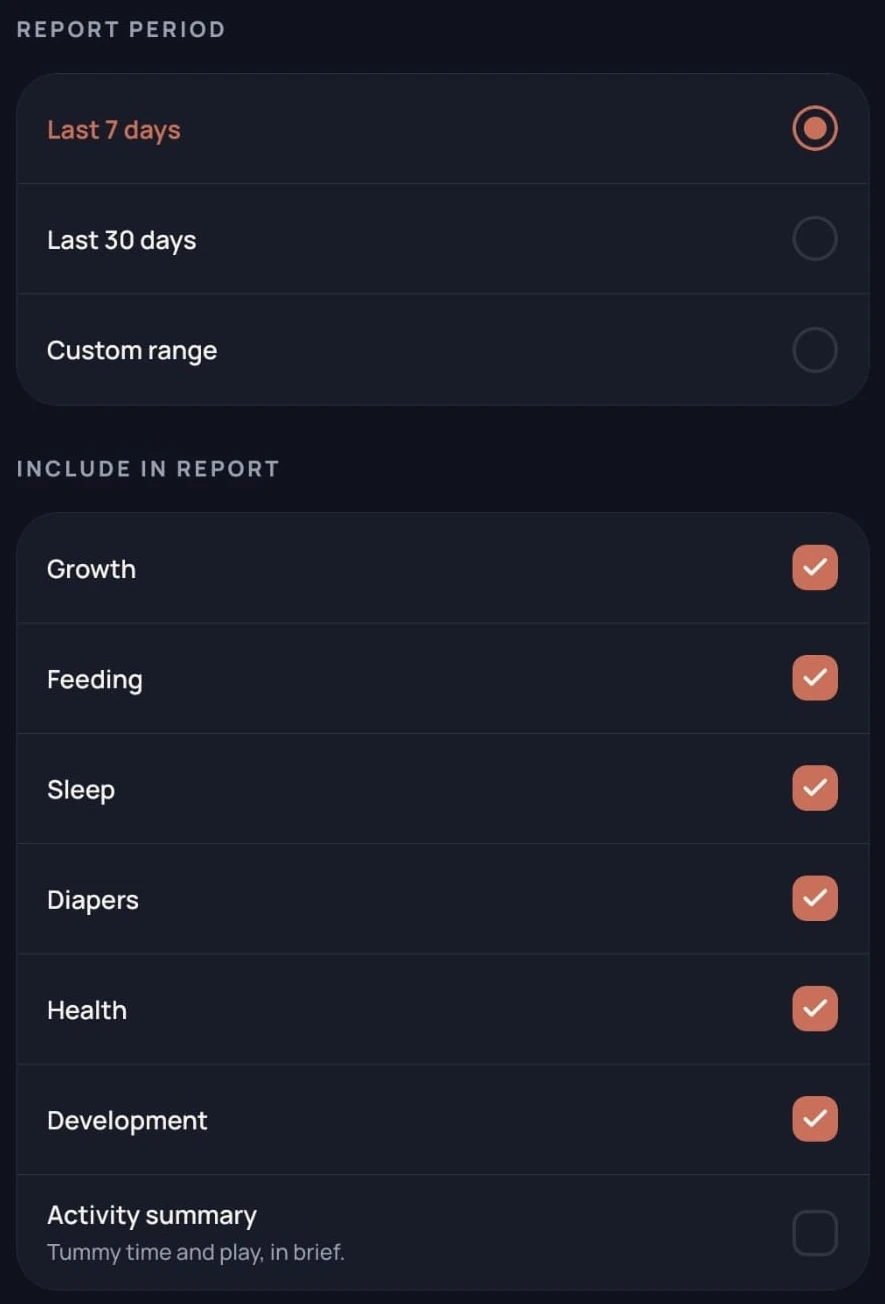
Pick the last 7 days, the last 30 days, or a custom range. Growth, feeding, sleep, diapers, health, and development start switched on, and a short activity summary is optional. You can also add a note for your pediatrician.
You read a preview first, and nothing is shared until you choose. In the phone app you can generate a PDF, then share or save it. The report sets out what you logged without interpreting it.
Your baby’s records
Moving from Nara Baby? You can import your data from a Nara Baby CSV export. Nara Baby is the only app Bebble imports from today.
Bebble reads the file first and shows what’s ready by type, what was already imported, and anything it can’t use. You confirm which baby receives the records before anything is added, and importing the same file again skips what’s already there.
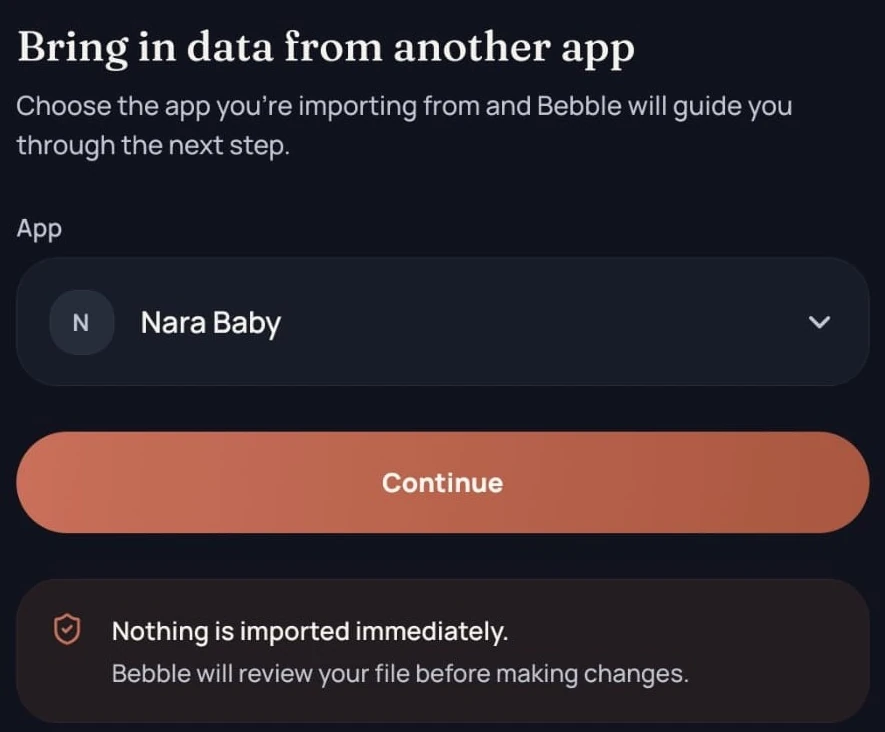
Feeds, sleep, diapers, pumping, growth, tummy time, baths, vaccines, and baby firsts can come across. Other rows are counted as unsupported and left out. Nara’s export has no photos, but Bebble can suggest matches from your phone by date, and you confirm each one.
To export baby tracking data, choose from feeding, pumping, sleep, diapers, activities, growth, health, memories, development, and custom logs, then a date range: all time, the last 7, 30, or 90 days, or your own dates. Bebble makes a CSV for spreadsheets or a PDF that’s easy to read, for the selected baby, and you share or save it from your phone.
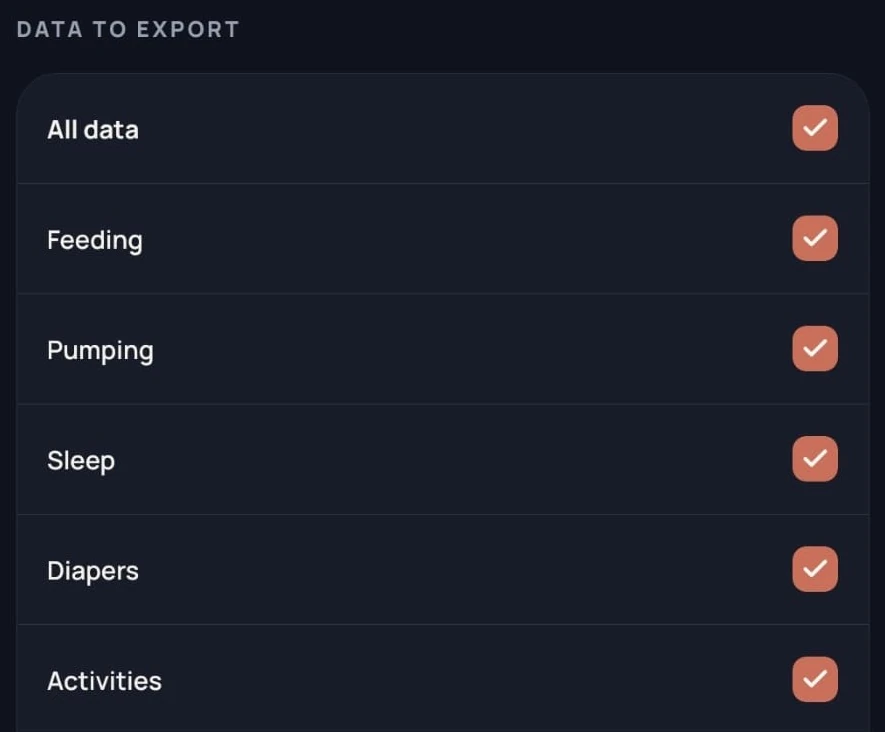
Real Import and Export screens, cropped. The Export list continues below this view.
The little things, connected
Let Bebble hold the details. You’ve got a baby to hold.
FAQs
Quick answers about caregivers, widgets, planning, reports, and your records.
Yes. The parent who owns the baby’s profile invites the other to that baby’s Care Circle. Once they accept, both can see and log the baby’s activity from their own accounts.
The baby’s owner opens Care circle on the Profile tab, chooses Manage, then Add person, and enters the caregiver’s email and relationship. Bebble emails an invitation, which must be accepted while signed in with that email address.
Yes. After accepting, a caregiver can see and log that baby’s everyday care, including feeds, sleep, and diapers. Only the owner can invite or remove people.
Yes. There are six on Android: Bebble Now, Quick Log, Recent Moments, Planner, Bebble Noticed, and Good Right Now. Bebble isn’t available on iPhone yet.
A widget gets you there in one tap, and you finish in the app. Quick Log and Bebble Now’s buttons open the right log in Bebble. The exception is Planner: you can check off today’s items on the widget itself, and Bebble saves them the next time you open it.
Yes, as Planner items with a date, an optional time, and repeats if you need them. Planner doesn’t send notifications yet, so these items won’t alert you on their own. Feeding, pumping, and medication reminders are set separately and can notify you when your phone allows Bebble’s notifications.
Yes. A Doctor report summarizes what you logged, for the period and sections you choose. You can preview it, then generate a PDF in the phone app to share or save. It doesn’t interpret your records and isn’t a medical diagnosis.
Yes, from a Nara Baby CSV export. Bebble shows what it can import before adding anything, and leaves out rows it doesn’t support. Nara’s export has no photos, but you can match photos from your phone to imported memories by date. No other app can be imported yet.
Yes. Choose the categories and date range, then export a CSV or PDF to share or save. Memories export as text with their photo file names. The photo files themselves aren’t included.
We’re always happy to help. Reach out anytime.

From everyday tracking to shared care, widgets, and planning,
Bebble brings the tools together in one free app.
Available on Google Play.